
Introduction
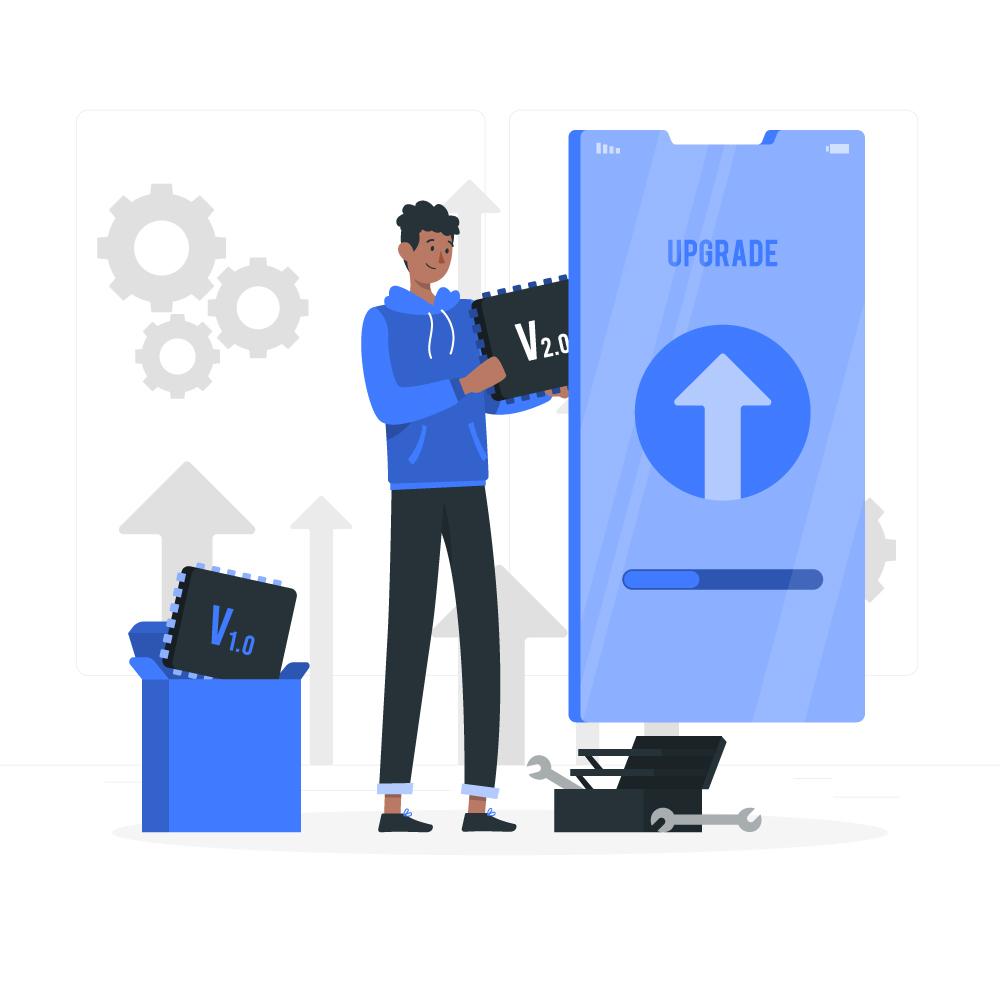
NetSuite, the leading cloud-based ERP platform, offers SuiteScript as a powerful tool for customizing and extending the functionality of the system. SuiteScript allows businesses to create tailor-made scripts to automate processes, enhance workflows, and integrate with external systems. Over time, SuiteScript has evolved, with SuiteScript 2.0 being the latest version. In this blog post, we will discuss the importance of converting SuiteScript 1.0 to SuiteScript 2.0 and the benefits it brings to your NetSuite environment.
Enhanced Performance and Efficiency:
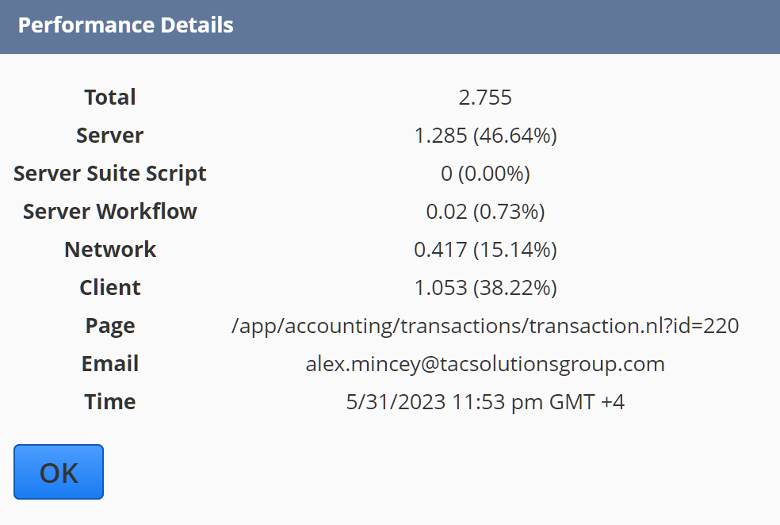
First and foremost, SuiteScript 2.0 introduces significant performance and efficiency enhancements that have brought about a fundamental transformation in the way customizations are handled within the NetSuite ecosystem. This new version harnesses the power of modern JavaScript syntax and adheres to industry best practices, resulting in noticeably faster script execution and improved overall system performance. This upgrade proves particularly valuable when dealing with complex business processes and large datasets, as the optimized algorithms and streamlined execution times significantly contribute to reducing bottlenecks and increasing productivity. Ultimately, this boost in performance not only translates into substantial time and cost savings but also enhances the overall user experience for everyone utilizing your customizations within the NetSuite platform.
Increased Developer Productivity:
SuiteScript 2.0 offers a more intuitive and developer-friendly coding experience. It leverages the modular architecture of the JavaScript module pattern, allowing developers to organize their code into smaller, reusable modules. This modular approach simplifies script development, improves code maintainability, and facilitates collaboration among developers. By converting to SuiteScript 2.0, you empower your development team to work more efficiently and effectively.
Improved Error Handling and Debugging:
SuiteScript 2.0 introduces a robust error handling and debugging framework, making it easier to identify and resolve issues within your scripts. The new version provides better error messages, stack traces, and logging capabilities, enabling developers to quickly pinpoint the root cause of errors and debug scripts more effectively. This enhanced debugging functionality saves valuable time and effort during script development and maintenance.
Compatibility and Future-proofing:
As SuiteScript continues to evolve, NetSuite focuses its development efforts on enhancing SuiteScript 2.0 and phasing out SuiteScript 1.0. While SuiteScript 1.0 remains functional, its future compatibility and support may be limited. By converting your SuiteScript 1.0 scripts to SuiteScript 2.0, you ensure compatibility with future NetSuite releases and ongoing support from NetSuite’s development team. This conversion is crucial to future-proof your customizations and ensure their longevity within the platform.
Access to New Features and Functionality:
NetSuite regularly introduces new features and enhancements to SuiteScript, and most of these advancements are exclusive to SuiteScript 2.0. By upgrading your scripts to SuiteScript 2.0, you gain access to a broader range of functionalities and capabilities offered by the latest version. This enables you to leverage new NetSuite features, integrate with third-party systems, and extend your NetSuite implementation even further.
In Summary:
Converting your SuiteScript 1.0 scripts to SuiteScript 2.0 is not just a technical upgrade; it is a strategic investment in the future of your NetSuite implementation. By migrating to SuiteScript 2.0, you unlock a range of benefits, including enhanced performance, increased developer productivity, improved error handling, future compatibility, and access to new features and functionalities. Embracing SuiteScript 2.0 empowers your organization to maximize the potential of NetSuite, streamline processes, and build a more robust and scalable ERP system tailored to your specific business needs.
How TAC Can Help
Unlock the Power of NetSuite with TAC’s Certified NetSuite Consultants. With their extensive expertise, our team has successfully guided numerous clients in seamlessly transitioning from SuiteScript 1.0 to SuiteScript 2.0. Whether you need clarifications or wish to schedule a call, we’re here to provide in-depth insights and discuss the full potential of NetSuite’s functionality tailored to your business. Reach out to us today and take your NetSuite experience to the next level.